PDF Catalogs
PDF Catalogs for Your Products
Create print-ready PDF catalogs, line sheets and social media formats from your product data. Multiple page sizes, prepress quality, print bleed — everything a professional printer needs.
Install from Shopify App Store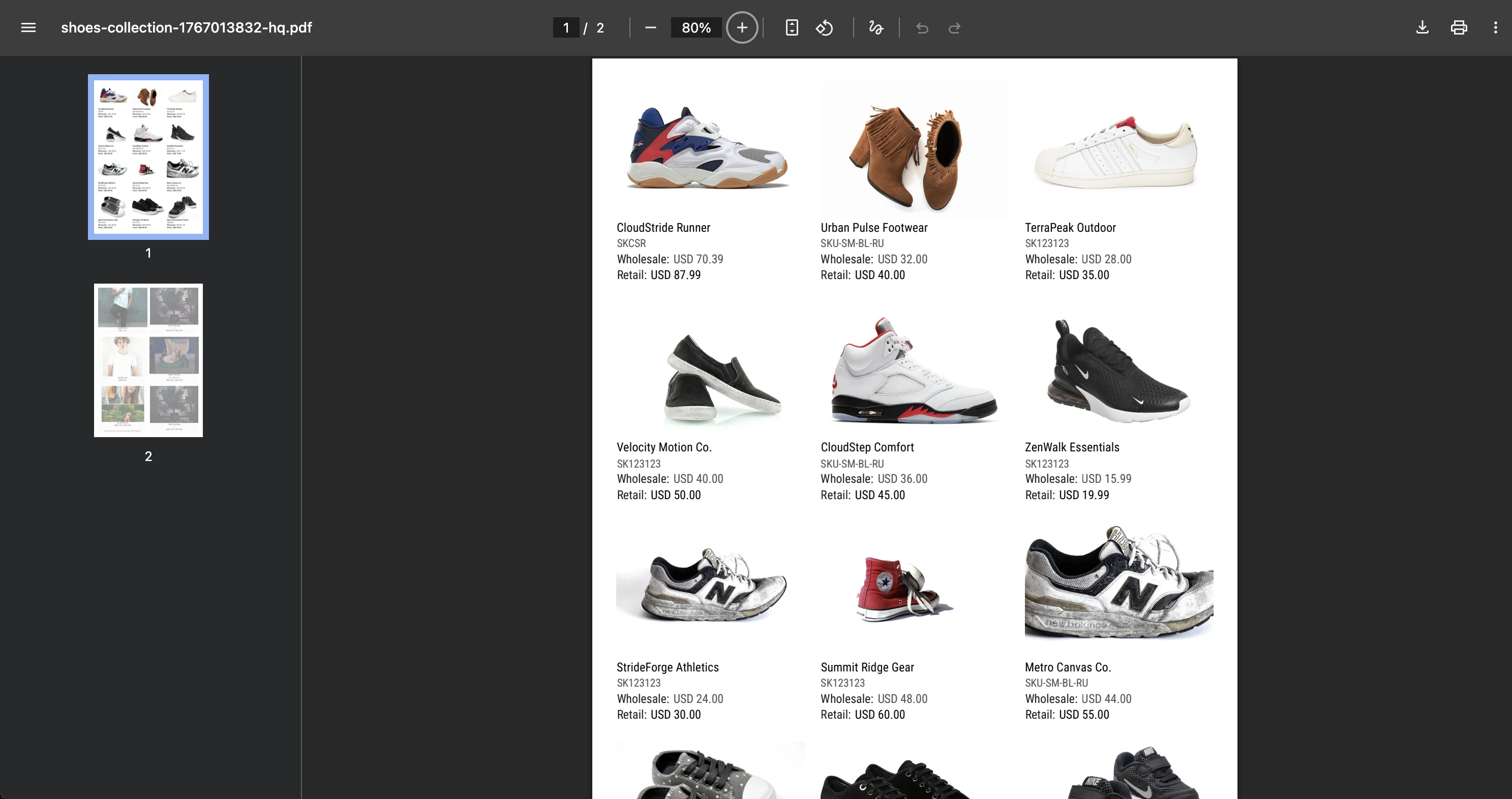
Print & Social Formats
One tool for catalogs that go to the printer and content that goes to Instagram.
A5 (148 × 210 mm)
A4 (210 × 297 mm)
US Letter (215.9 × 279.4 mm)
US Half Letter (139.7 × 215.9 mm)
Portrait and landscape available for all print formats.
Social
Social Post (4:5)
Social Stories (9:16)
Social Square (1:1)
Print-Ready Quality
From quick digital previews to files your print shop will accept without question.
Image quality
Print bleed support
Essential for professional printing and rarely supported by catalog tools. Catalogly adds a 5mm bleed area on all sides so backgrounds and images extend beyond the trim line — no white borders after cutting.
A5 + bleed: 158 × 221 mm
Selling on Shopify? Our Shopify Catalog Guide walks through building and printing a catalog from your store, step by step.

35+ Layout Templates
From full-page product showcases to dense line sheets — pick the layout that fits your catalog

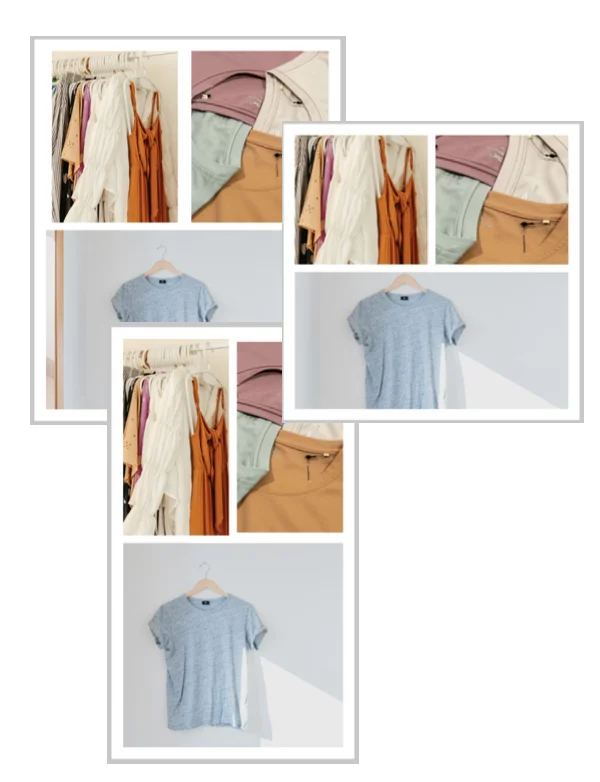
1 per page

3 per page

4 per page

6 per page
Also available: 10, 12, 15 products per page · side descriptions · multiple images per product · label sheets
Everything in your catalog, your way
Full control over what goes in and how it looks
Product data
Pull directly from your product catalog
- Title & description
- Price, compare-at & wholesale
- SKU, barcode & vendor
- Inventory & product options
- Metafields
Design & branding
Make every catalog look like yours
- Logo & custom background
- Custom colors & Google Fonts
- Color swatches & image layers
- Headers & footers
- Currency & price rounding
Output & sharing
Deliver your catalog however you need
- QR codes
- Table of contents
- Password protection
- Price adjustments
- Currency formatting
Frequently asked questions
How long does it take to generate a catalog?
Most catalogs are ready in minutes. Once your products are connected, generating a new PDF is a single click — the layout, branding and product data are already in place.
Do I need design skills to create a PDF catalog?
No design skills are needed — Catalogly is built for merchants, not designers. You pick a layout, connect your products, and export. No design software or technical knowledge required.
Can I create different catalogs for different buyers?
You can create multiple catalogs from the same product data — different product selections, layouts, pricing or branding for each buyer or market.
Will the PDF be accepted by a professional printer?
The PDF is print-shop ready. The Prepress export option meets professional printing standards, including the correct color profile, resolution and bleed margins your print shop expects.
Can I update the catalog when my products change?
Updating is one click: if you're using Shopify, product data syncs from your store. Refresh the catalog and re-export — your updated prices, images and details are pulled in automatically.
Start creating PDF catalogs today
Install Catalogly and generate your first professional PDF catalog in minutes. Free plan available.